The Complete Guide to Shopify Themes in 2026
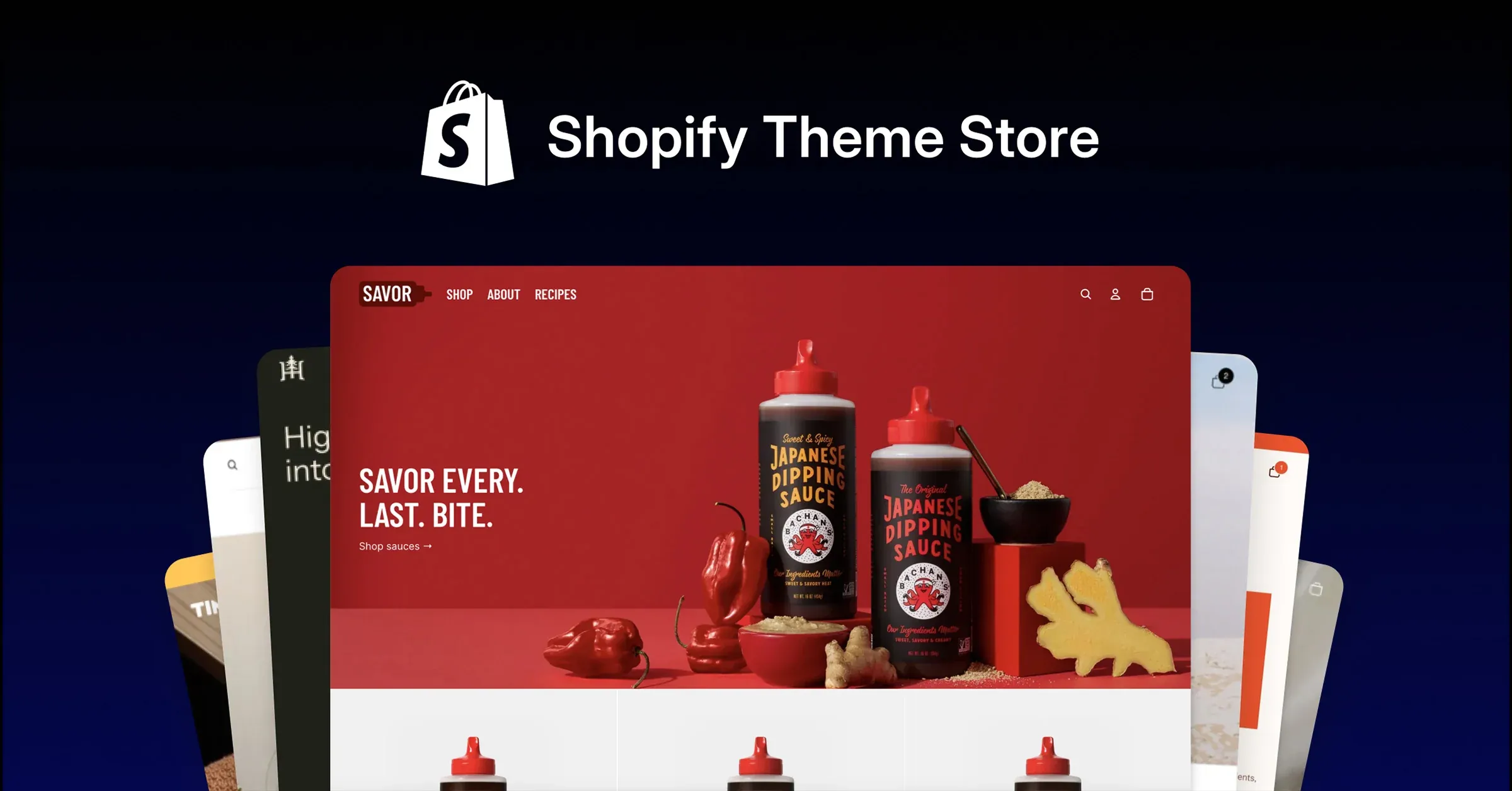
Table of contents
Choosing a theme is the single decision that shapes how your Shopify store looks, loads, and converts for the next several years. Get it right and everything downstream — page speed, mobile conversion, how easily you can run promotions — gets easier. Get it wrong and you'll spend the next twelve months fighting your own website. Here's what actually matters when you're picking, customizing, and launching a theme in 2026.
Why Your Theme Choice Matters More Than You Think
A theme isn't just a skin — it's the foundation your entire storefront is built on. It determines:
- How fast your pages load (and therefore how many visitors bounce before they see your product)
- How much you can customize without hiring a developer
- Whether your store stays compatible with the apps you'll inevitably install
- How your store looks and behaves on mobile, where most of your traffic comes from
Switching themes later isn't free either — it usually means rebuilding sections, re-testing every page, and re-training whoever manages the store day to day. It's worth getting right the first time.
Free vs. Paid Themes: What You're Actually Paying For
Free themes (the ones built into Shopify's theme store) are solid, well-tested, and a completely reasonable starting point — especially pre-launch. What you're paying for with a premium theme isn't "better code," it's:
- More built-in sections and layout options — so you can build unique pages without custom development
- Merchandising features — quick-view, bundles, size charts, pre-order flows — that would otherwise need separate apps
- A more distinctive look — free themes are common, so a store built on one can look generic next to competitors on the same theme
Rule of thumb: if you're validating an idea, start free. If you're scaling past your first few thousand orders, a paid theme (or custom build) usually pays for itself in conversion rate alone.
What "Section-Based" Architecture Actually Means for You
Every modern Shopify theme is built on Online Store 2.0's section architecture — every page, not just the homepage, is made of reusable, reorderable sections and blocks. In practice, this is the single biggest thing to check before buying a theme, because it determines:
- Whether you can drag-and-drop reorder your product page, or you're stuck with a fixed layout
- Whether you can add the same section (reviews, FAQs, a promo bar) to any page, not just the ones the theme developer anticipated
- How much of your customization can happen in the theme editor, without touching code
If a theme's demo store looks great but the product and collection pages are rigid, that flexibility gap becomes your problem six months from now when you want to test a new layout.
The Non-Negotiable Checklist Before You Buy
Before you commit to a theme, check it against this list:
- Lighthouse / Core Web Vitals score — test the theme's live demo store, not just the marketing screenshots
- Mobile-first design — open the demo on your phone first; that's how most of your customers will
- App compatibility — search for known conflicts with the apps you already rely on (reviews, subscriptions, loyalty)
- Section flexibility — can you rearrange product page blocks, or are they hardcoded?
- Accessibility basics — proper alt text support, keyboard navigation, color contrast
- Update history — an actively maintained theme keeps up with Shopify platform changes; check the changelog
- Support terms — know what's included (bug fixes vs. customization help) before you need it
Customizing Without Breaking Things
Most day-to-day changes — swapping images, editing copy, rearranging sections, adjusting colors — belong in the theme editor. No code required, and nothing to break.
Bring in a developer when you need:
- A layout the theme editor genuinely can't produce (custom sections, unique interactions)
- Deep performance work — trimming unused CSS/JS, image pipeline tuning
- Integrations that touch checkout, custom shipping logic, or multi-currency edge cases
- Anything involving Liquid template edits — a small mistake here can affect every page on the site
A good habit: duplicate your theme before any code change, and test in a duplicate/staging theme before publishing to your live store.
When a Theme Alone Isn't Enough
Off-the-shelf themes — free or paid — are built to work for thousands of different stores, which means they're inherently a compromise. If you're hitting real limitations (a merchandising flow no app can replicate, a brand experience that needs to feel genuinely custom, or performance issues no amount of app-removal fixes), that's usually the signal to move from "theme customization" to a custom build on the same Online Store 2.0 foundation — keeping the flexibility, without the compromise.
Your Pre-Launch Checklist
Before you flip a new theme live:
- Test checkout end-to-end, including discount codes and shipping calculation
- Run your product, collection, cart, and 404 pages through PageSpeed Insights
- Check every page on an actual mobile device, not just a resized browser window
- Verify all apps still render correctly (theme changes are a common cause of silent app breakage)
- Set up redirects for any URLs that changed during the switch
- Preview the store logged out, in an incognito window, before publishing
Xydon builds fast, conversion-focused Shopify stores — this guide comes from work we ship for real clients.
Want this on your store?
Fixed price, dedicated developer, 30-day support included.
Keep Reading
More Shopify guides, CRO tactics, and e-commerce insights.
Frequently asked questions
Common questions about this guide and working with Xydon.
Still have questions? Talk to us directly
Ready to put these ideas into your store?
Fixed price, dedicated developer, 30-day support included. Get a quote in 48 hours.
